Legal Accounting permissions provide greater control over contact and file numbering in both Practice Management and Legal Accounting.
Users of the integration can be restricted from:
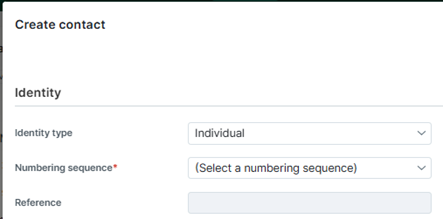
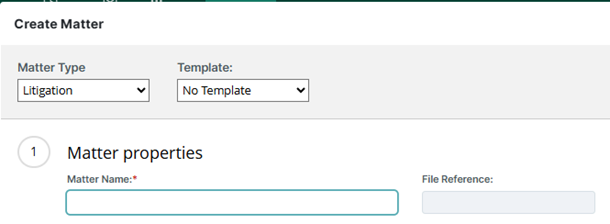
- Defining the Reference number on new contacts and matters in Practice Management. For example:
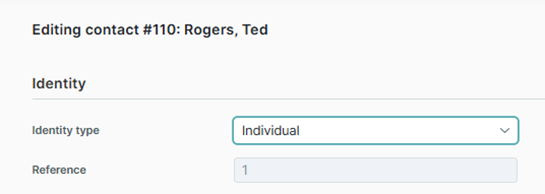
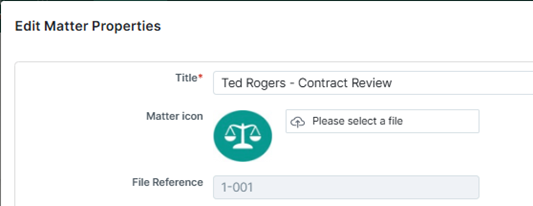
- Changing the Reference number on existing contacts and matters in Practice Management. For example:
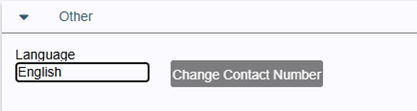
- Accessing the Change Contact Number function in Legal Accounting. For example:
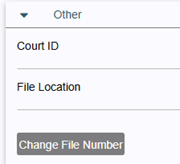
- Accessing the Change File Number function in Legal Accounting. For example:
In the Contacts and Case Files security settings, the following options can be enabled for any group except admins or power users. The default state for these settings is off.
To set these permissions:
- In Legal Accounting, go to Administrator Settings > Users > Security and expand the Contacts and Case Files section.
- Under Groups, select the group whose settings you want to adjust.
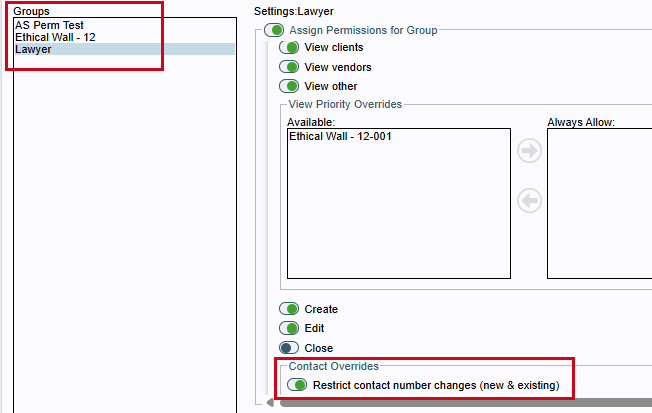
- To restrict contact number changes, expand the Contacts section and toggle Restrict contact number changes (new & existing) under Contact Overrides to on.
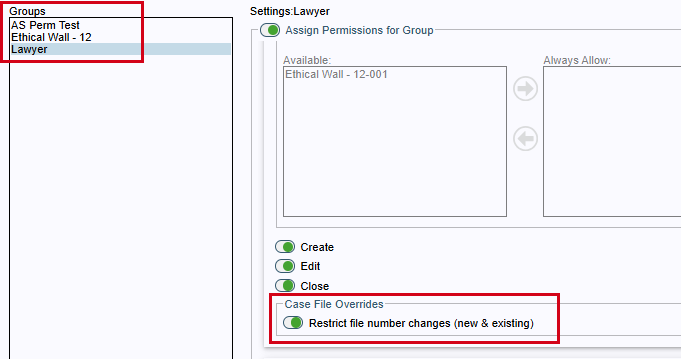
- To restrict case file number changes, expand the Case Files section and toggle Restrict file number changes (new & existing) under Case File Overrides to on.
- Click Save to save your changes.
Firms not using the integration can also restrict users from:
- Defining the contact number on new contacts.
- Defining the file number on new matters.
- Using the Change Contact Number option in Legal Accounting.
- Using the Change File Number option in Legal Accounting.
Was this article helpful?
That’s Great!
Thank you for your feedback
Sorry! We couldn't be helpful
Thank you for your feedback
Feedback sent
We appreciate your effort and will try to fix the article